
Every vehicle, visible and on schedule
Live GPS tracking, smarter routes, and maintenance that happens before breakdowns — one dashboard for the whole fleet.
- Every vehicle on one live map
- Service by mileage and engine hours
- Geofences with alerts
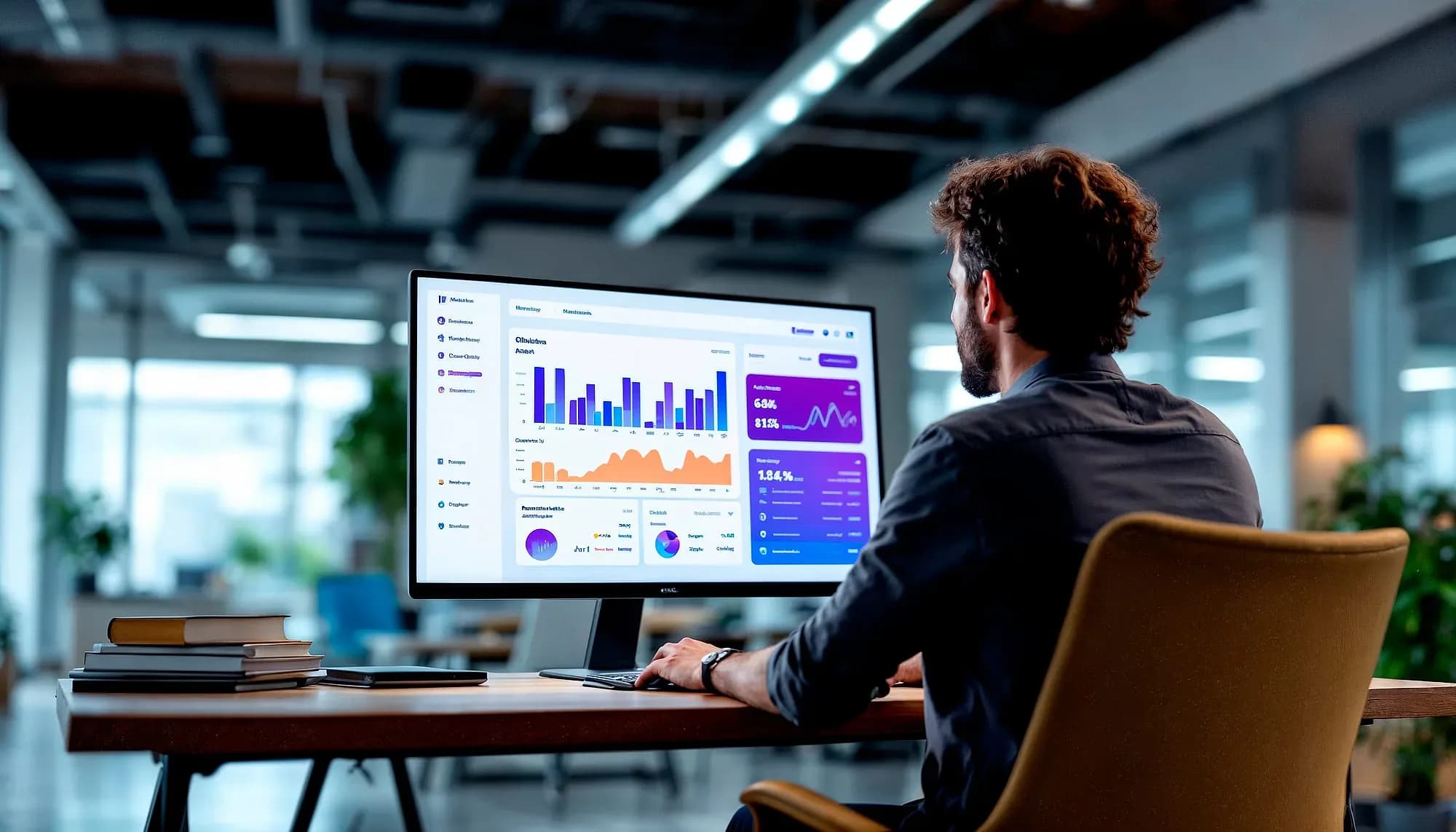
Vehicles are assets that hide their own condition

A fleet is a large amount of capital that spends its working life out of sight. You know what each vehicle cost and what it earns; what you generally do not know in real time is where it is, how it is being driven, what it is burning, and how close it is to the failure that will take it off the road during your busiest week.
Breakdowns are where that opacity gets expensive, and rarely because of the repair bill. The cost is the delivery not made, the customer told to wait, the driver stranded, and the replacement vehicle pulled off another route. Nearly all of it is avoidable, because most failures announce themselves in service intervals and usage data long before they happen — the information exists and simply is not being watched.
This puts the fleet on one dashboard: live GPS position, route planning that redraws around traffic, driver behaviour monitoring, fuel consumption reporting, geofencing with alerts, and full trip and stop history. Preventive maintenance is scheduled from actual usage rather than from a calendar, so a service is triggered by how the vehicle has been driven rather than by the date.
Driver behaviour data deserves an honest note: it is genuinely useful for fuel cost and safety, and it is also surveillance of your staff. Fleets that introduce it as a coaching tool with the data shared openly get a different outcome from fleets that introduce it quietly as a monitoring tool, and the difference shows up in retention. It pairs with Fuel Automation where you run your own pumps.

The day-to-day, before and after Fleet Management
Three frictions this replaces — described in the terms you'd recognise from your own week.
Today
Nobody knows where a van is until it arrives
With Fleet Management
Every vehicle sits on one live map with speed, stops, and route history you can replay.
Today
Breakdowns discovered on the road, mid-delivery
With Fleet Management
Service schedules run on mileage and engine hours, so vehicles get flagged for maintenance before they fail.
Today
Fuel spend questioned every month with no evidence
With Fleet Management
Fuel consumption and idle time are reported per vehicle and per driver, so the numbers have names attached.
Where it earns its keep
Every vehicle stays live on the map, routes redraw around traffic, and maintenance alerts arrive before a failure does rather than after it.


Inside Fleet Management
Live GPS tracking
Every vehicle on one map with speed, stops, and route history.
Route optimization
Smarter routes that cut miles, fuel, and late deliveries.
Fuel & usage insight
Fuel consumption and idle time per vehicle and per driver.
Maintenance alerts
Service schedules by mileage and engine hours — before breakdowns.
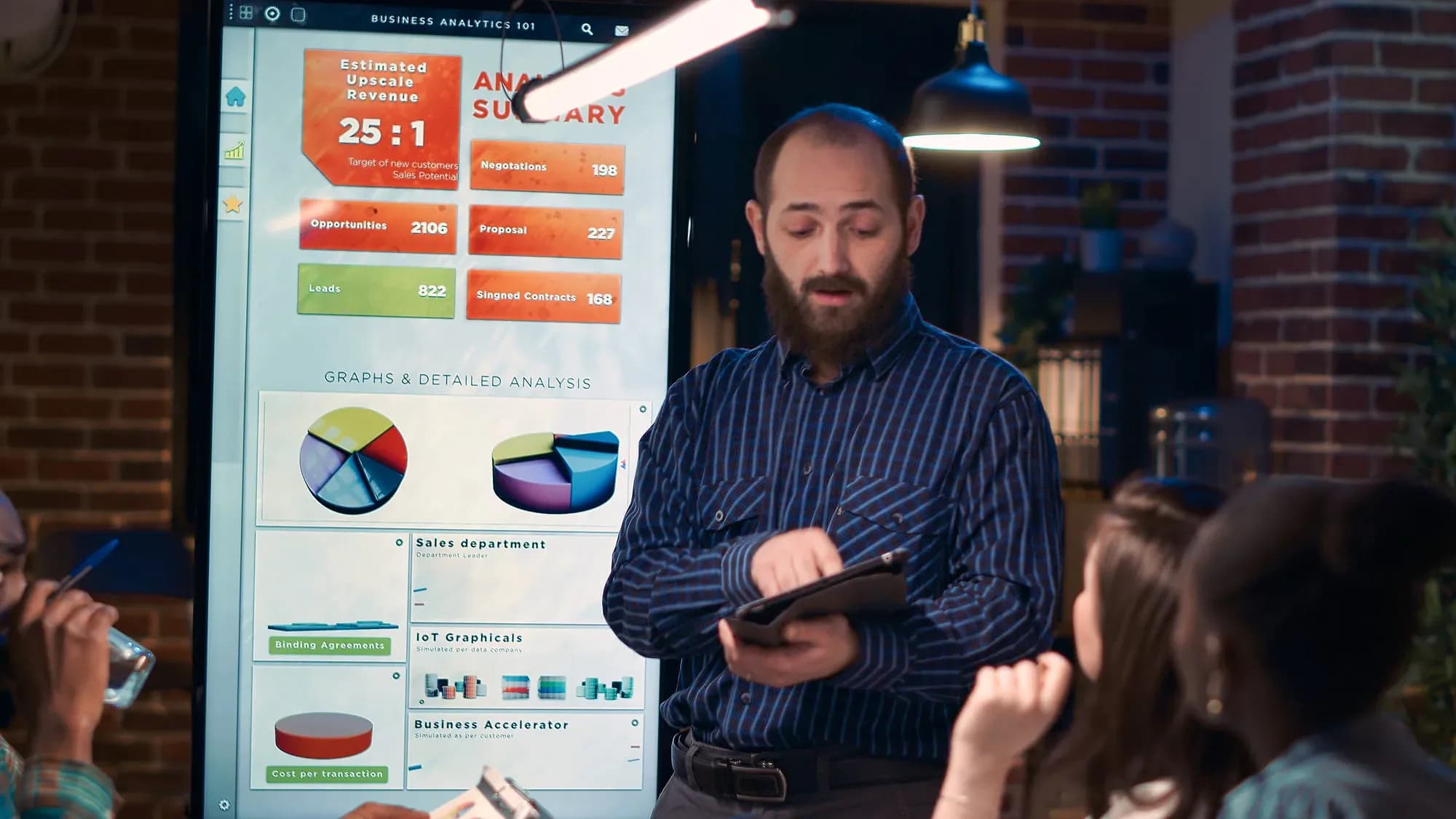
Who's in it every day
The three seats Fleet Management is designed around.
Dispatcher
Opens the live map to see where every vehicle is, reroute around traffic, and answer "where is it?" without calling drivers.
Maintenance manager
Works the service queue — which vehicles are due by mileage or engine hours, and which alerts need a workshop slot.
Operations director
Reviews fuel consumption, idle time, and driver behavior across the fleet to see where cost and risk are concentrated.


How we get you live
Fit the vehicles
GPS trackers go into every vehicle in the fleet and start reporting position, speed, and stop data.
Map your ground
We load your depots, delivery zones, and geofences so the live map reflects how your operation actually runs.
Routes and services
Route plans go in alongside maintenance schedules keyed to mileage and engine hours for each vehicle class.
Dispatch goes live
Your dispatchers work from the live map and alert feed, with trip and stop history available from day one.

Capabilities at a glance
- Real-time GPS vehicle tracking
- Route planning and optimization
- Driver behavior monitoring
- Fuel consumption reporting
- Preventive maintenance scheduling
- Trip and stop history
- Geofencing and alerts
- Works with Fuel Automation
Works with your stack
Fleet Management connects to the systems and hardware you already run — tell us what you use and we’ll confirm the fit before you commit.
- GPS Vehicle Trackers
- Vehicle Telematics Units
- Odometer & Engine Hours
- Fuel Consumption Data
- Digital Mapping Services
- Geofence Zone Data
- Merilsoft Fuel Automation

Industries this serves
Fleet Management, answered
The questions we get asked before a demo.

Not seeing your question?
Tell us how you run today and we'll answer specifically.
See Fleet Management in action
Book a demo and we'll walk through your workflow — or ask us anything first.
Or call us: 1-225-573-9244