
Every screen selling, all the time
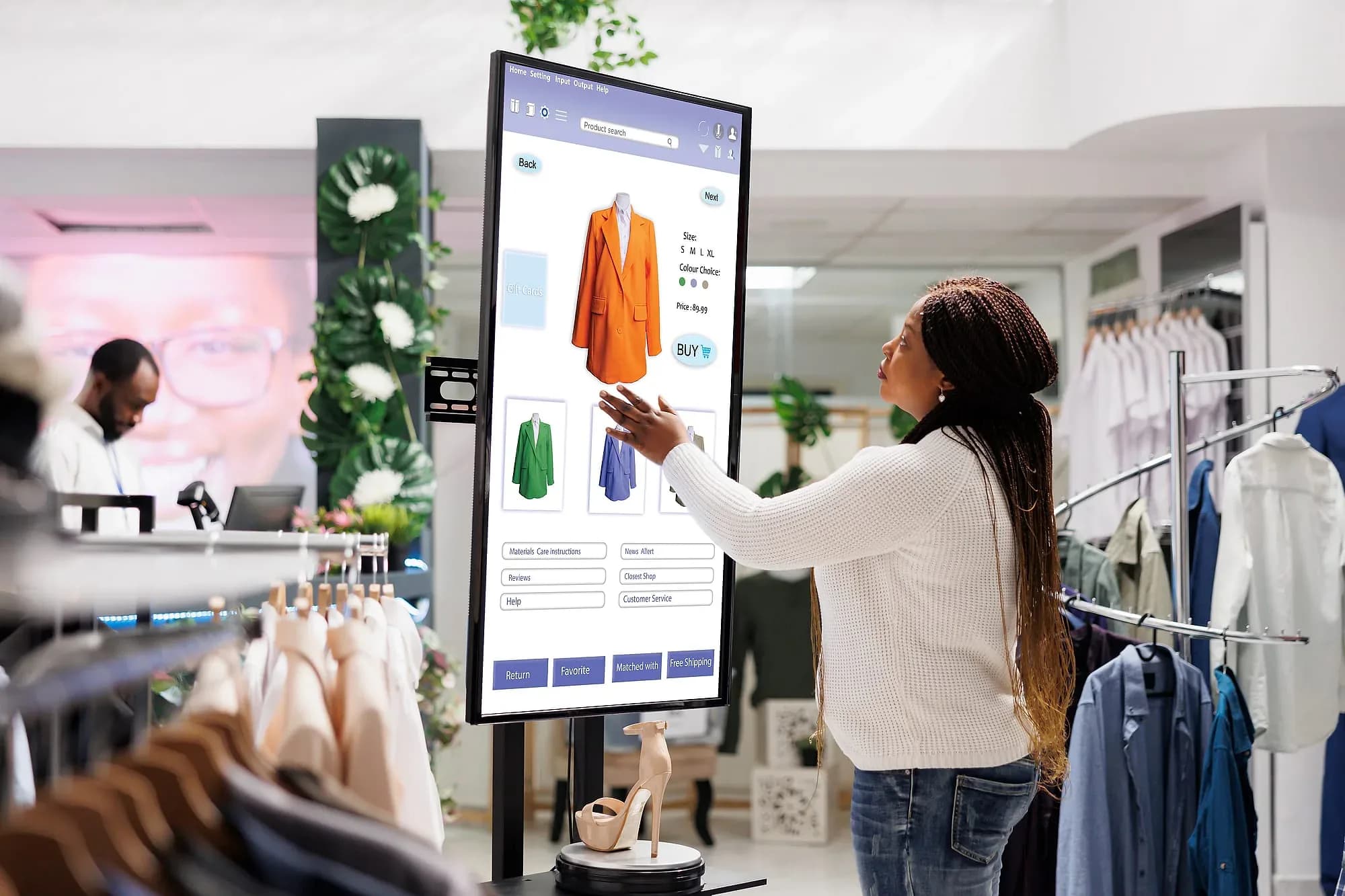
Indoor digital signage, dual-side window displays, and customer-facing POS screens — dynamic content scheduled and managed remotely across every location.
- Publish to every screen remotely
- Dayparted playlists and schedules
- Screen health monitoring
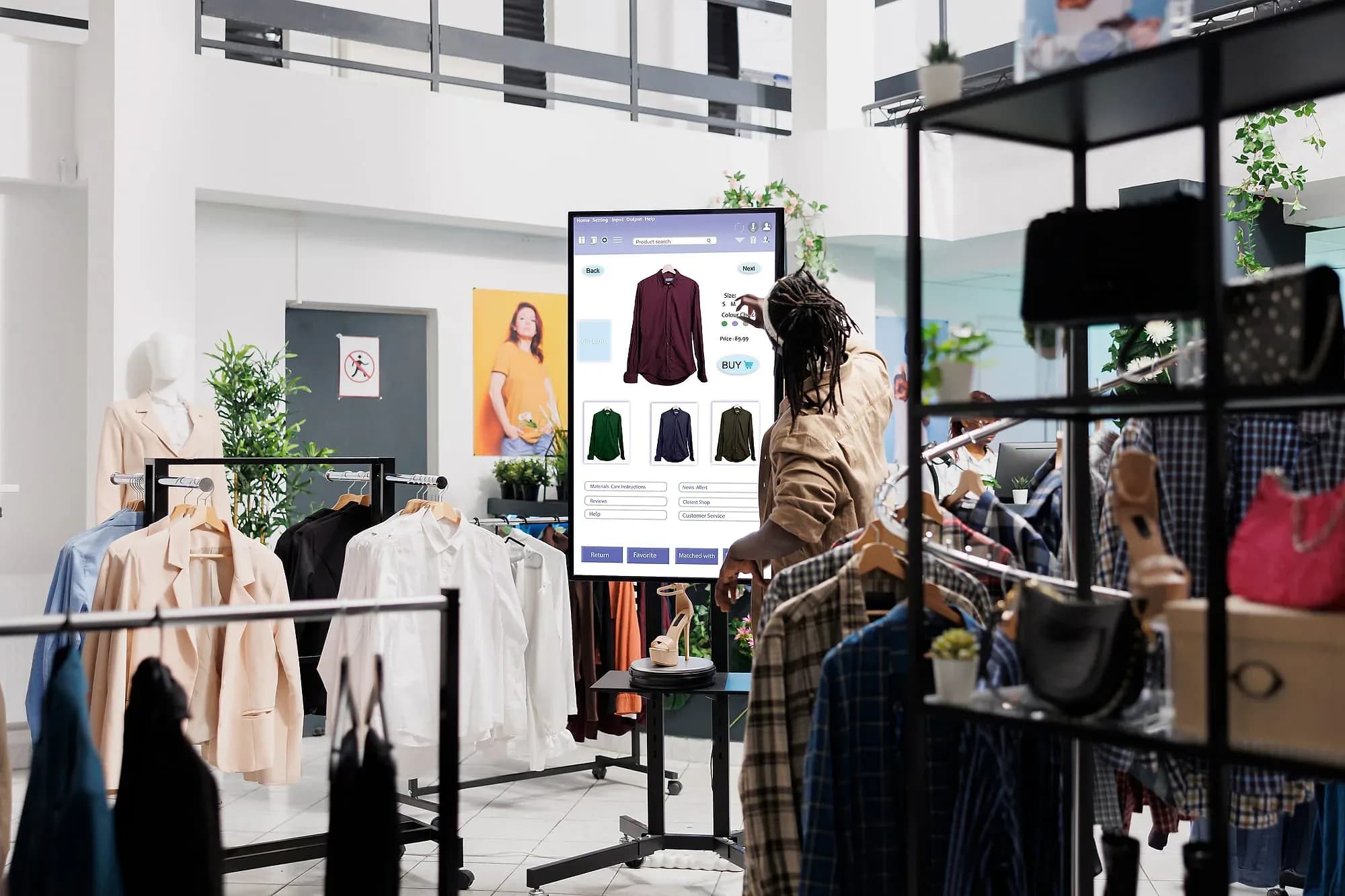
A screen is a commitment to keep changing it
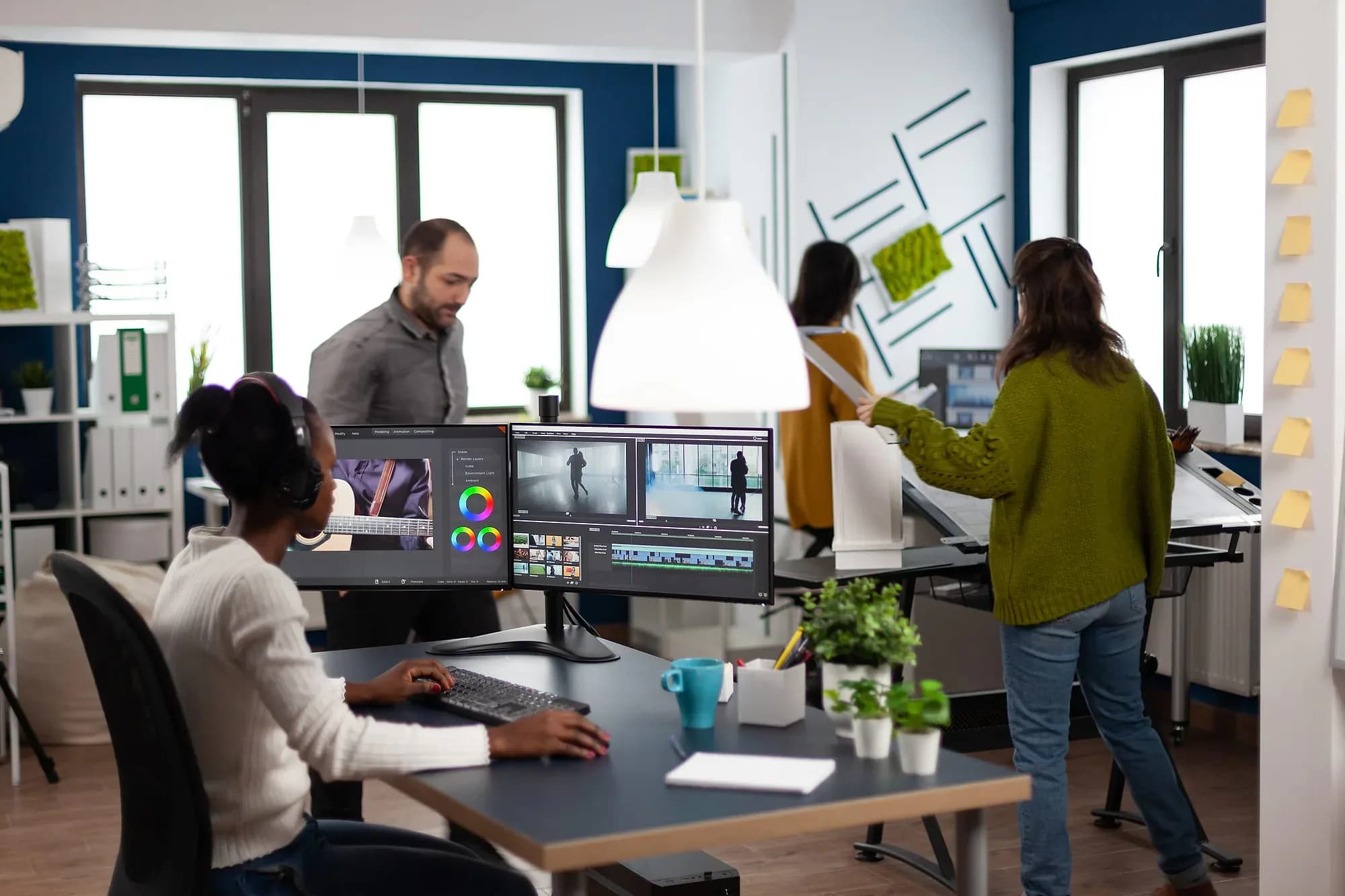
Digital signage almost never fails on hardware. Displays are commodities, mounting is solved, and a media player is cheap. It fails three months after installation, when the screen is still showing the loop it launched with and customers have stopped seeing it — at which point you are paying to run something that is worse than a printed poster, because it also signals that nobody is paying attention.
The variable that decides the outcome is how much of the content maintains itself. A menu board that has to be updated by hand in a second system will eventually be wrong: prices will drift from the POS, and an 86'd item will stay on the board through service. A menu board driven from the system that already knows the price and the availability cannot drift, because there is nothing to keep in sync.
That is the design here. Screens are managed centrally across every location, content publishes remotely, playlists run on dayparted schedules so lunch becomes dinner without anyone touching anything, and menu board templates sync pricing from the POS rather than duplicating it. Dual-side window displays and customer-facing checkout screens run from the same dashboard.
Screen health monitoring matters more than it sounds for anyone running more than a handful: a dark display in a store you do not visit is invisible until a customer mentions it, and by then it has been dark for a week. For hardware selection, installation, and content production, this pairs with our digital signage services.

The day-to-day, before and after Digital Sign Solution
Three frictions this replaces — described in the terms you'd recognise from your own week.
Today
Someone walks each store to swap printed price cards
With Digital Sign Solution
Prices and promos publish from one dashboard and land on every screen at every location.
Today
Lunch menus stay up hours after lunch ends
With Digital Sign Solution
Dayparted playlists switch content on schedule, so each screen shows what belongs in that hour.
Today
A dead screen goes unnoticed until a customer mentions it
With Digital Sign Solution
Screen health monitoring flags offline or stalled displays and alerts the team before the next shift.
Where it earns its keep
Menu boards, window promos, and checkout screens run from one dashboard — lunch pricing switches to dinner automatically across every location on a schedule.
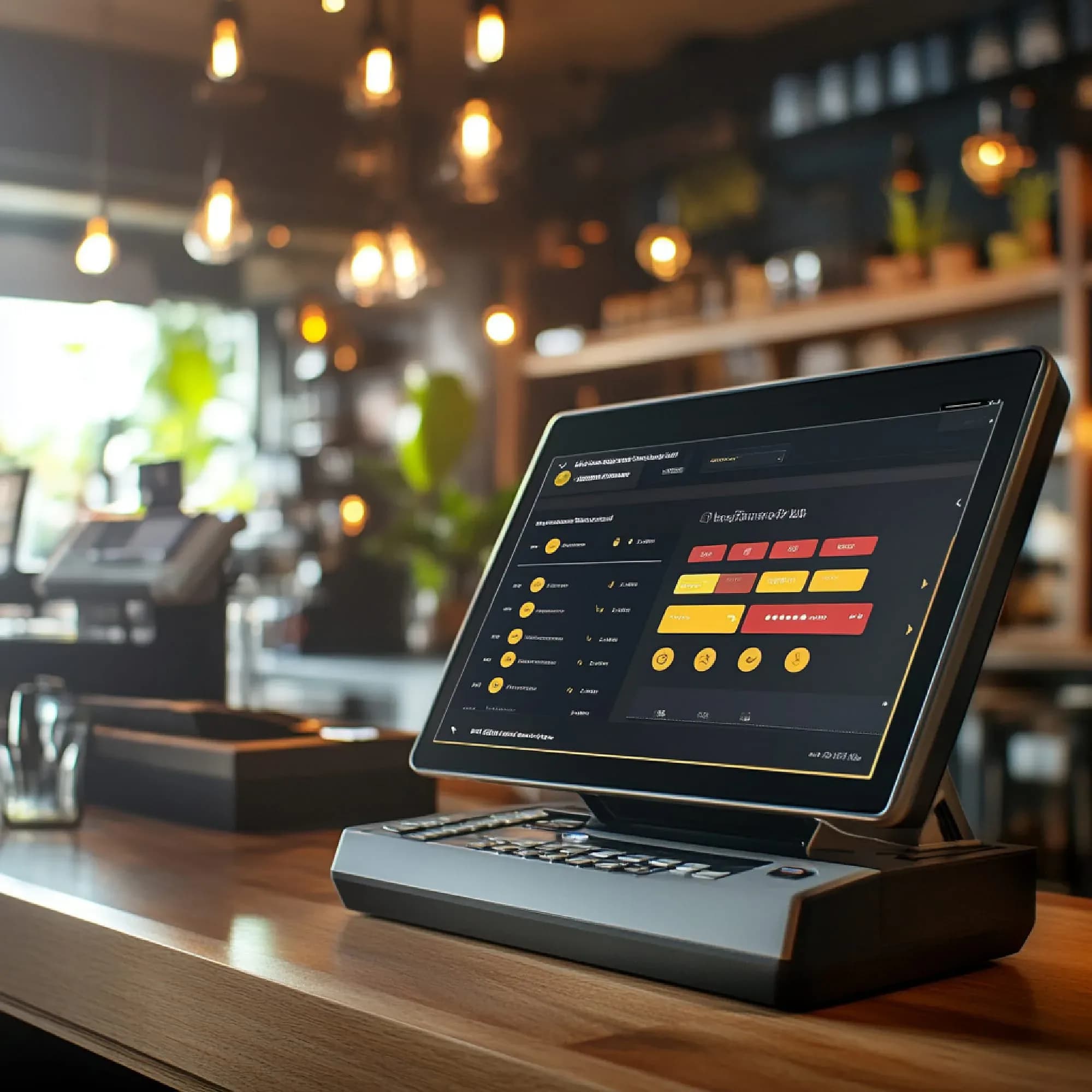

Inside Digital Sign Solution
Indoor digital signage
Menu boards, promotions, and announcements on any indoor screen.
Dual-side signage
Two-faced displays for windows and aisles — different content per side.
POS signage
Customer-facing checkout screens, synced with Pacific POS promotions.
Scheduling & playlists
Content planned by daypart, location, and audience — updated remotely.
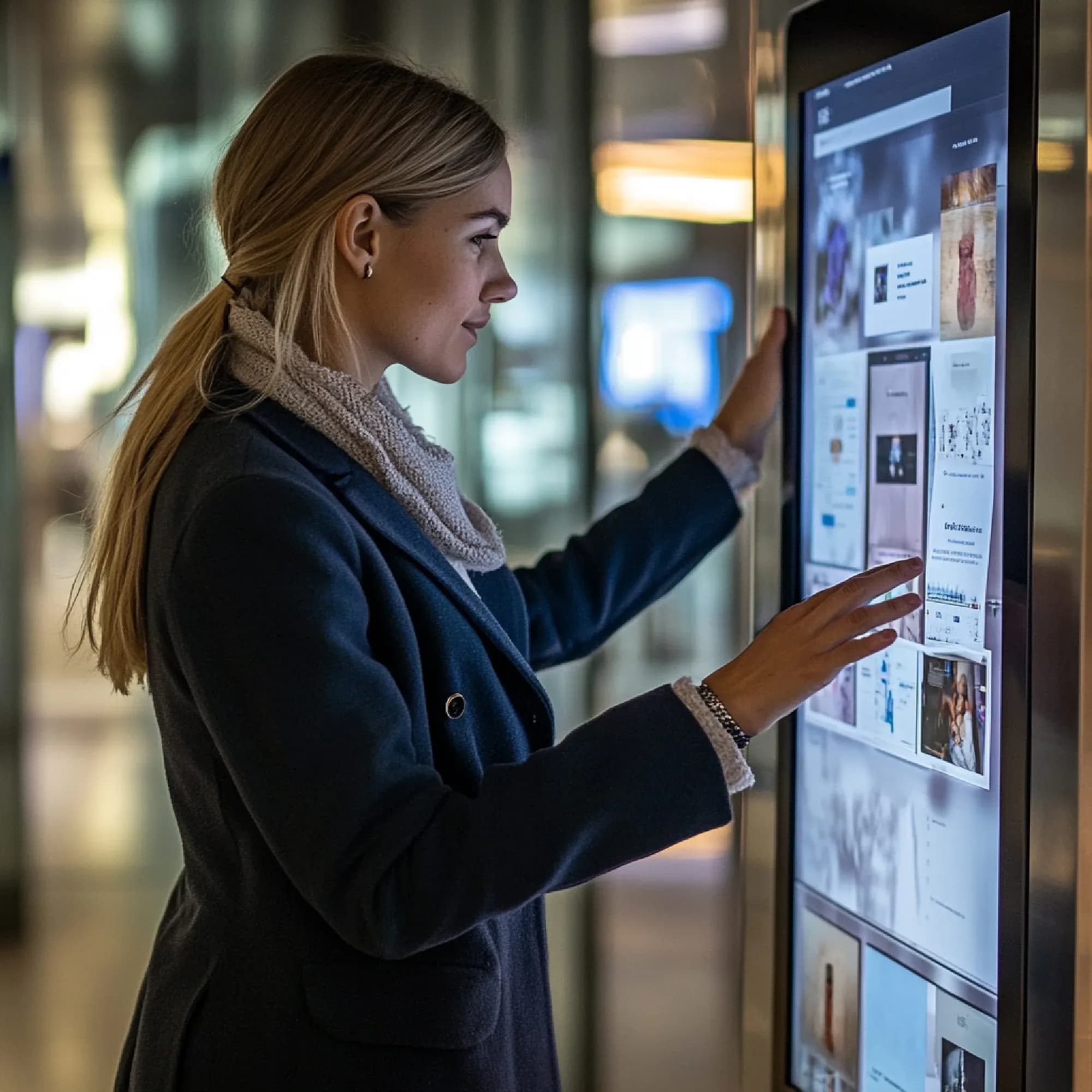
Who's in it every day
The three seats Digital Sign Solution is designed around.
Store manager
Opens it to swap today's promo on the window display and confirm the checkout screens show current prices.
Marketing lead
Opens it to push a campaign to every branch at once and schedule exactly when it starts and stops.
Operations director
Opens it to see which screens across the estate are online and whether each location runs approved content.

How we get you live
Map your screens
We inventory every indoor display, window unit, and checkout screen by location, orientation, and which side faces whom.
Build the templates
Menu boards, promo frames, and dual-side layouts are set up as reusable templates your team fills in without a designer.
Schedule the dayparts
Playlists are planned by hour, location, and audience so breakfast, lunch, and dinner content rotate on their own.
Publish and monitor
Screens go live from the central dashboard, and health monitoring reports which displays are playing and which need attention.

Capabilities at a glance
- Centralized multi-screen management
- Remote content publishing and updates
- Dayparted schedules and playlists
- Menu board templates and pricing sync
- Dual-side and window display support
- POS-integrated promotional screens
- Screen health monitoring and alerts
- Pairs with Digital Signage Services for hardware
Works with your stack
Digital Sign Solution connects to the systems and hardware you already run — tell us what you use and we’ll confirm the fit before you commit.
- Pacific POS Promotions
- Menu & Pricing Data
- Indoor Display Panels
- Dual-Side Window Displays
- Customer-Facing POS Screens
- Media Asset Library
- Digital Signage Services

Industries this serves
Digital Sign Solution, answered
The questions we get asked before a demo.

Not seeing your question?
Tell us how you run today and we'll answer specifically.
See Digital Sign Solution in action
Book a demo and we'll walk through your workflow — or ask us anything first.
Or call us: 1-225-573-9244