
Teach anywhere, track everything
Courses, live classes, assessments, and certificates on one platform — for schools, training centers, and corporate academies.
- Build a course once, run it per cohort
- Live classes with attendance and recordings
- Per-learner progress analytics
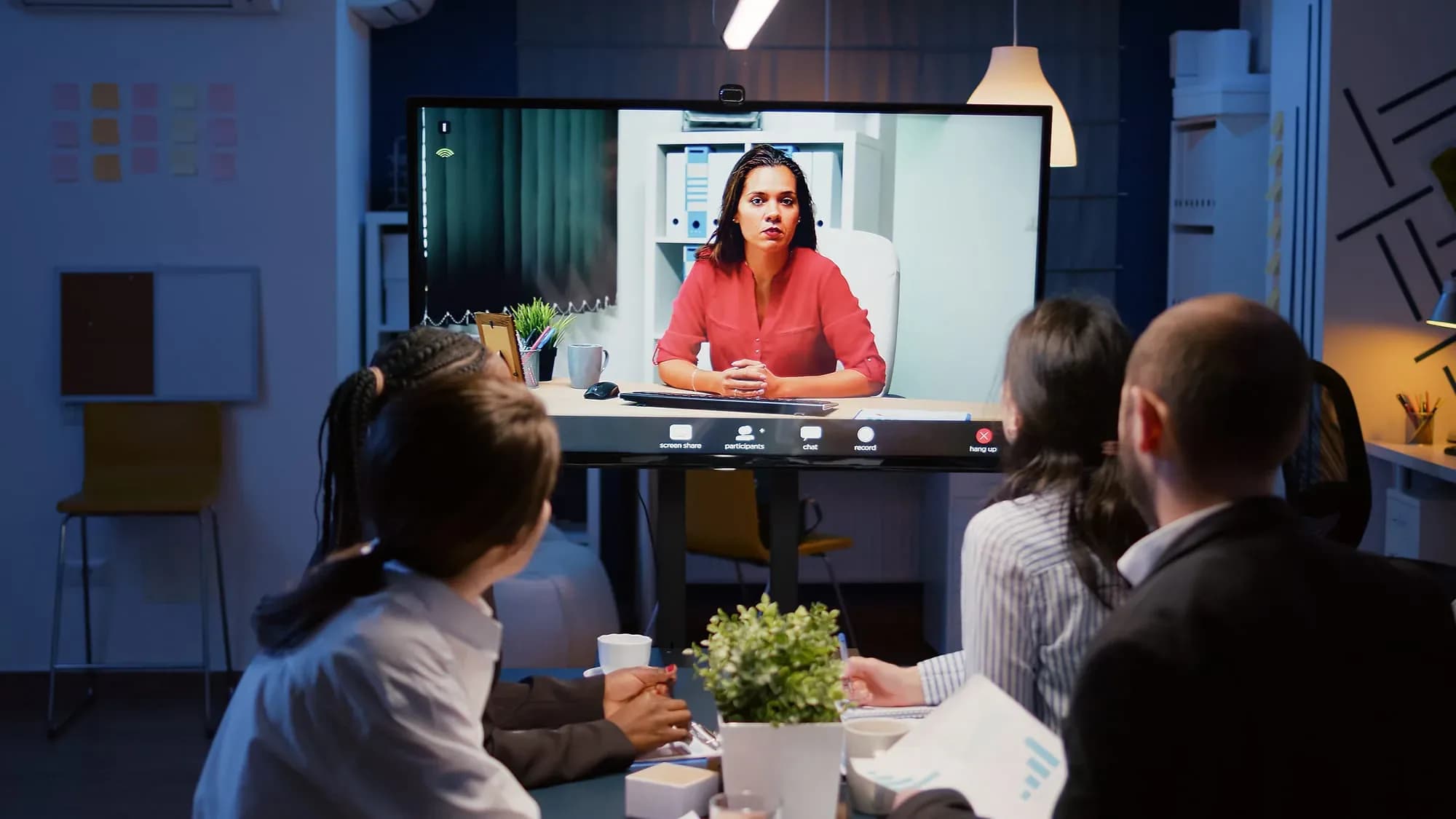
When admin grows faster than enrolment

Every training organisation eventually hits the building. Seats, timetables, and instructor hours are finite, and once demand exceeds them the choices are to turn students away, run the same class twice, or move some of it online. Only the third scales, and most institutions attempt it with a video call link and a shared drive.
That improvisation survives one cohort and collapses at three. Content scatters across drives and inboxes, enrolment becomes a spreadsheet one person owns, grading arrives by email, and certificates get made in a word processor. Administrative load grows faster than enrolment does — which is precisely the opposite of what scaling is supposed to mean, and it is why so many programmes stall at the point where they should be compounding.
The e-Learning Gateway makes the course the unit rather than the class. It is built once in a drag-and-drop builder with its lessons, videos, resources, and assessments inside it, then run for as many cohorts as you enrol — each with its own schedule and roster, rather than duplicated and drifting apart term by term. Live sessions capture attendance and recordings automatically, and assessments auto-grade where the question type allows.
The part institutions underestimate is analytics. In a classroom you can see the back row; online you cannot, and a student who quietly stopped opening the course is invisible until they fail. Per-learner and per-cohort progress data makes disengagement visible while intervention is still possible — a pastoral tool as much as a reporting one. A regional training center's rollout is written up in full.

The day-to-day, before and after Classroom 360
Three frictions this replaces — described in the terms you'd recognise from your own week.
Today
Enrollments, payments, and class lists live in separate tools
With Classroom 360
Learners enroll and pay in one flow, land in the right cohort, and appear on the roster without anyone re-keying a name.
Today
Grading a cohort eats an instructor's whole evening
With Classroom 360
Quizzes and exams grade themselves, assignments arrive in one queue, and scores post to each learner's dashboard as soon as they're released.
Today
Nobody knows who's falling behind until the final exam
With Classroom 360
Progress analytics show completion, scores, and engagement per learner and cohort, so a stalled student is visible while there's still time.
Where it earns its keep
A training center moved its full catalog online — enrollments, live sessions, grading, and certificates now run themselves end to end.
A Regional Training Center
e-Learning Gateway rollout


Inside Classroom 360
Course builder
Drag-and-drop lessons with video, documents, and quizzes — no code needed.
Live classes
Scheduled virtual classrooms with attendance and recordings built in.
Assessments
Quizzes, assignments, and auto-graded exams with anti-cheat options.
Progress analytics
Completion, scores, and engagement per learner, course, and cohort.

Who's in it every day
The three seats Classroom 360 is designed around.
Instructor
Opens it to run today's live class, mark the assignments waiting in the queue, and see which learners have stopped watching.
Program admin
Manages the catalog and cohorts, sets who can teach what, and checks enrollment and payment status across every running course.
Learner
Signs in for the next lesson, picks up a missed session from the recording, and tracks progress toward the certificate.


How we get you live
Set up the catalog
Courses, cohorts, and pricing go in first — the shape of your program before a single lesson is uploaded.
Build the lessons
Instructors drag video, documents, and quizzes into each course, set completion rules, and decide what a certificate requires.
Roles and enrollment
Students, teachers, and admins get their own access, and enrollment opens with payments handled inside the same flow.
Run live classes
Scheduled virtual classrooms start on the timetable, attendance is captured automatically, and recordings post back to the course.

Capabilities at a glance
- Unlimited courses and cohorts
- Video lessons and downloadable resources
- Live virtual classrooms with recordings
- Auto-graded quizzes and exams
- Certificates and completion rules
- Student, teacher, and admin roles
- Payments and enrollment management
- Learner progress dashboards
Works with your stack
Classroom 360 connects to the systems and hardware you already run — tell us what you use and we’ll confirm the fit before you commit.
- Video Lesson Hosting
- Live Virtual Classrooms
- Session Recording Storage
- Payment Gateways
- Enrollment & Roster Data
- Quiz & Exam Banks
- Certificate Templates

Industries this serves
Classroom 360, answered
The questions we get asked before a demo.

Not seeing your question?
Tell us how you run today and we'll answer specifically.
See Classroom 360 in action
Book a demo and we'll walk through your workflow — or ask us anything first.
Or call us: 1-225-573-9244