
Patient care first, records handled
Charts, scheduling, e-prescriptions, and billing in one secure system — so clinicians spend visits with patients, not screens.
- Charting that closes with the visit
- e-Prescribing with interaction checks
- Role-based access and audit logs

Built around the encounter, not around the claim

The complaint clinicians make about electronic health records is rarely that records are digital. It is that the software was designed around billing and compliance requirements and then handed to people whose job is care — so the chart became a form to satisfy rather than a tool to use, and documentation moved into the evening.
This system is organised around the encounter instead. Demographics captured at check-in carry into the chart; the chart carries into the prescription and the claim. A detail is entered once by whoever is closest to it, which removes the duplicate typing between front desk, clinician, and billing that is the single largest source of both wasted time and mismatched records.
The clinical side is built to close with the visit rather than after it: specialty-tuned templates capturing notes, vitals, and history as structured fields, e-prescribing with drug interaction checks routed straight to the pharmacy, and lab orders whose results return to the record so a pending result stays visible to the practice rather than to one person's memory.
One thing we state plainly rather than in a footnote: we do not currently sign Business Associate Agreements. If you are a covered entity under HIPAA, treat that as a blocker and raise it before scoping. Encryption in transit and at rest, role-based access, and audit logging are all in place — our full posture, including the certifications we do not hold, is published on our security page rather than described on request.

The day-to-day, before and after Electronic Health Record
Three frictions this replaces — described in the terms you'd recognise from your own week.
Today
The same patient details get typed in at three desks
With Electronic Health Record
Front desk, clinician, and billing work from one record, so a detail captured at check-in carries through to the claim.
Today
Charting eats the visit and finishes after hours
With Electronic Health Record
Specialty-tuned templates capture notes, vitals, and history in structured fields, so the chart can close with the encounter.
Today
Handwritten prescriptions get queried back by the pharmacy
With Electronic Health Record
Prescriptions go out electronically with interaction checks applied, routed straight to the pharmacy the patient has chosen.
Where it earns its keep
Scheduling, charting, prescribing, and billing run from one screen — front desk to physician to billing without re-entering a single field.
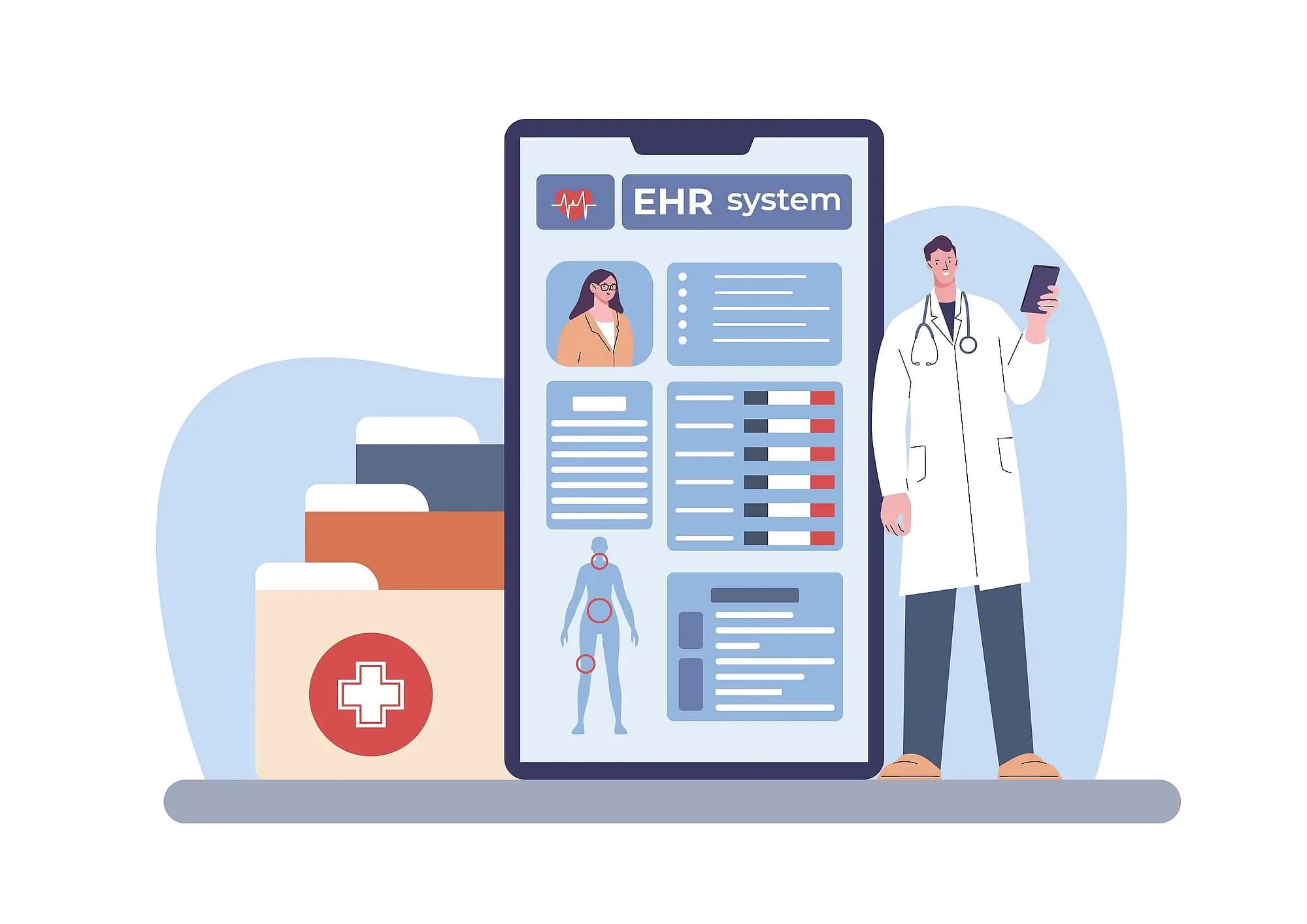

Inside Electronic Health Record
Clinical charting
Structured notes, vitals, history, and templates tuned to each specialty.
Scheduling
Provider calendars, reminders, and no-show tracking that keep days full.
e-Prescriptions
Prescribe electronically with interaction checks and pharmacy routing.
Billing & claims
Coding support and claim tracking from encounter to payment.

Who's in it every day
The three seats Electronic Health Record is designed around.
Physician
Opens the chart to review history and vitals, write the note from a specialty template, and send the prescription before the patient leaves.
Front desk coordinator
Opens it to book and reschedule across provider calendars, send reminders, and track which appointments went unattended.
Billing specialist
Opens it to code the encounter, raise the invoice, and follow each claim from submission through to payment.

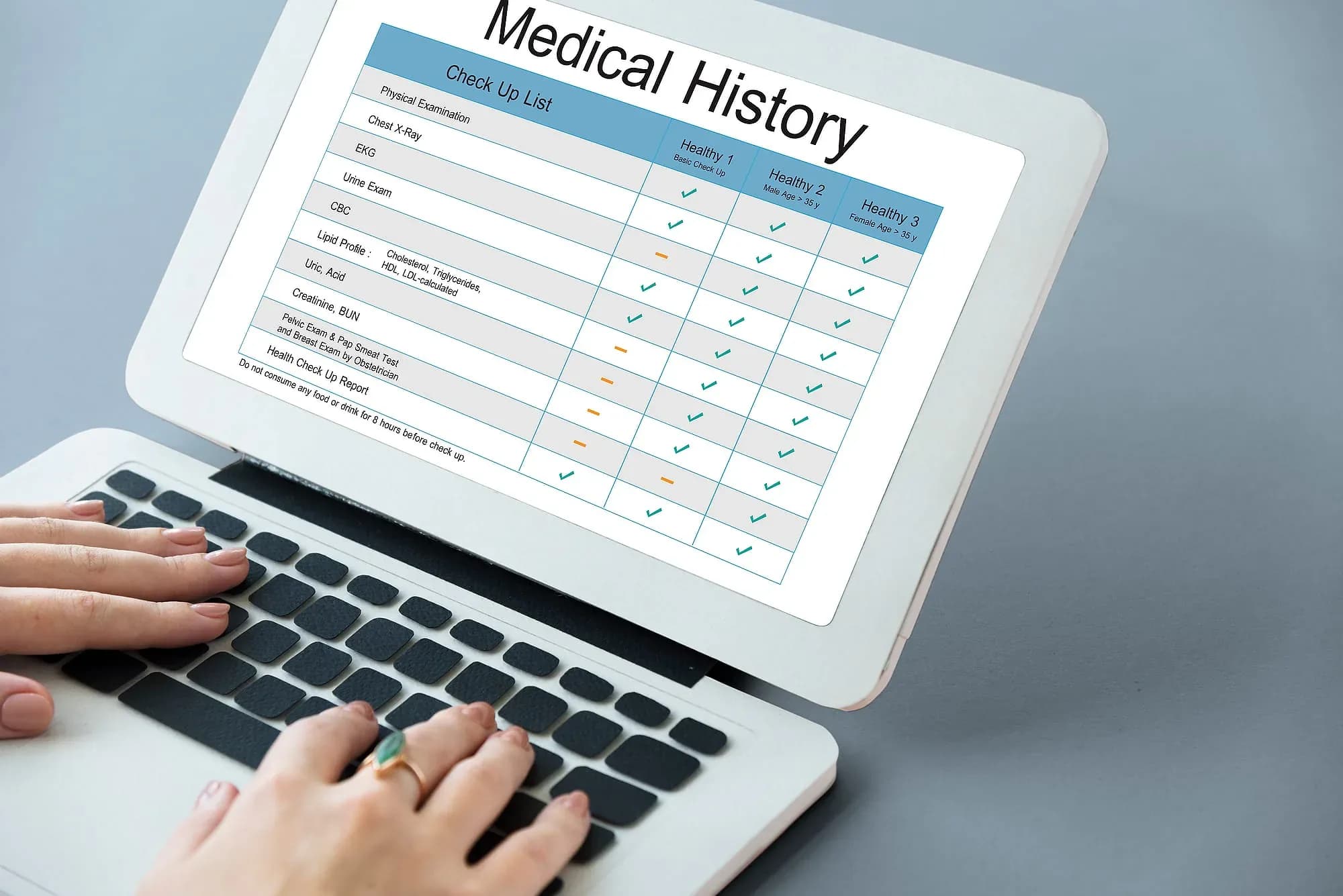
How we get you live
Migrate patient records
Existing demographics and history are imported and reconciled against your source data before any clinician charts in the new system.
Build chart templates
Note, vitals, and history templates are shaped around each specialty and how your providers actually document a visit.
Open the schedule
Provider calendars, appointment types, reminders, and no-show tracking go live so the front desk books inside the system.
Switch on billing
Coding support, invoicing, and claim tracking connect to the encounter, so billing works from what the clinician charted.

Capabilities at a glance
- Patient demographics and history
- Specialty-specific chart templates
- Appointment scheduling and reminders
- e-Prescribing with drug interaction checks
- Lab orders and results tracking
- Billing, invoicing, and claims
- Role-based access and audit logs
- Encrypted, compliant cloud hosting
Works with your stack
Electronic Health Record connects to the systems and hardware you already run — tell us what you use and we’ll confirm the fit before you commit.
- Pharmacy e-Prescription Routing
- Drug Interaction Checks
- Lab Orders & Results
- SMS & Email Reminders
- Claims Submission
- Encrypted Cloud Hosting
- Patient Document Storage
- Audit Log Export

Industries this serves
Electronic Health Record, answered
The questions we get asked before a demo.

Not seeing your question?
Tell us how you run today and we'll answer specifically.
See Electronic Health Record in action
Book a demo and we'll walk through your workflow — or ask us anything first.
Or call us: 1-225-573-9244