
Checkout fast, count nothing, know everything
Barcode-fast checkout, inventory that updates itself, and AI insight into what actually sells — one system for the counter and the back office.
Retail software for stores that actually sell things
Retail is an inventory business wearing a customer-service costume. Everything that determines whether a store makes money — what is on the shelf, what it cost, what it sells for, how fast it moves, and how much of it walks out unpaid — is a stock question. The checkout is simply where those questions get answered one transaction at a time.
Which is why a point of sale that only records transactions is doing a fraction of the job. A store running on a cash register plus a spreadsheet knows its revenue and almost nothing else: not its margin by category, not which SKUs have been dead on the shelf since spring, not that its best-selling item has been out of stock for nine days. Those facts exist in the sales data already. They just never get assembled.
Pacific POS assembles them. Every sale decrements stock, attributes margin, and updates the customer record in the same motion — so the inventory count, the reorder suggestion, and the category margin report are byproducts of ringing a sale rather than separate weekend projects. Low-stock alerts fire while there is still time to reorder, and dead stock surfaces before it becomes markdown.
It runs on the hardware most stores already own. The system is browser-based, so standard barcode scanners, receipt printers, and cash drawers work as they are, and card payments settle through PCI-compliant Verifone and Worldpay rails. For multi-site operators, our security systems cover the other half of the shrink problem — the part inventory software cannot see.

What gets in the way in retail
Stock counts eat weekends
A manual count is out of date the moment the store reopens, and the discrepancy it finds is weeks of history you can no longer explain. Live inventory decrements with every sale, so the number on screen is the number on the shelf — with low-stock alerts and one-tap reorders replacing the clipboard.
Queues kill conversions
A customer who leaves a line never appears in your sales data, which makes walkouts the most expensive number no store measures. Scan-and-pay checkout, saved customer records, and fast card settlement keep the line moving at the hours when the line is what caps your revenue.
Data everywhere, insight nowhere
Sales in the register, stock in a spreadsheet, costs in an email from a supplier — three sources that only meet at year end. One dashboard puts margin by category, top sellers, slow movers, and dead stock side by side, which is the view that actually drives buying decisions.
What our published retail work actually covers
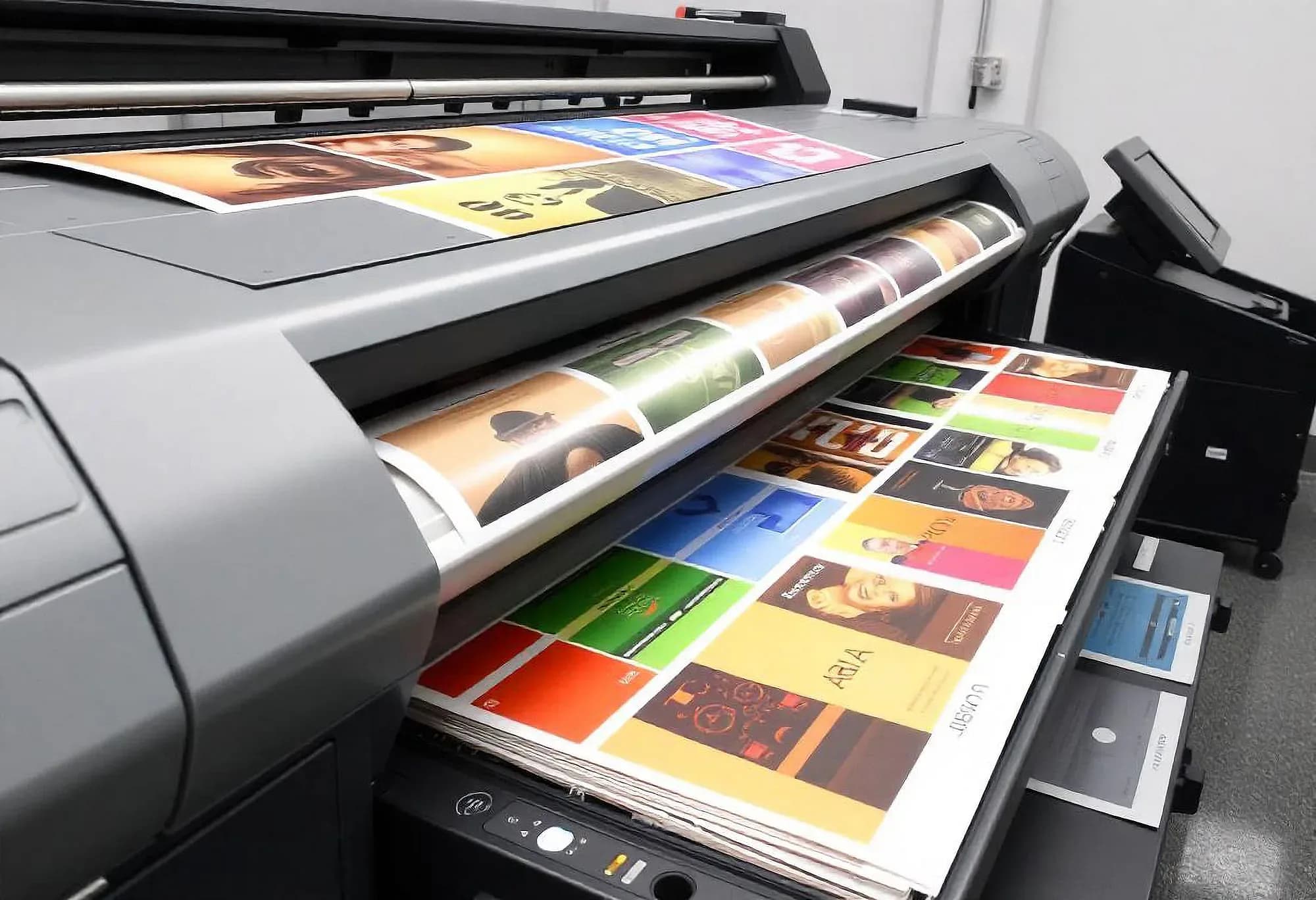
One of the two retail deployments we have published is a family-run print shop — a second-generation counter business still quoting jobs by phone and email, a day or two before a customer had a price. Merilsoft's Printing Platform gave it a storefront where customers configure size, stock, and quantity and get a quote instantly, plus a tracked job ticket that follows the piece through prepress, press, and finishing.
Proof approvals moved online with version history, so sign-off is recorded against the exact file that goes to press. The second retail study is a different job entirely: a twelve-location chain that put every store's cameras and door access on one dashboard with View Scan, our Security System line. That is a physical security rollout rather than a checkout one — worth reading if shrink is your problem, but it is not a Pacific POS deployment and we do not present it as one.
What we run in retail
Described in operational terms rather than feature names — what it does on a working day.
Barcode-fast checkout
Scan, take any payment method, print or email the receipt. Returns, exchanges, and split tenders are part of the same flow rather than a manager-only override buried three menus deep.
Inventory that maintains itself
Stock decrements at the moment of sale and rises on receipt, so counts stay current without a weekend. Low-stock thresholds trigger alerts and one-tap reorders before a shelf gap turns into a lost sale.
Margin and mix analysis
Cost and price travel with the SKU, so the dashboard can show margin by category, best and worst performers, and stock that has not moved — the difference between reporting revenue and understanding it.
Customer records and loyalty
Purchase history and loyalty rewards are built into checkout rather than bolted on, which means the person at the counter can see what this customer buys without asking them to remember a phone number twice.
Your existing hardware
Browser-based software drives commodity scanners, printers, and drawers. Proprietary hardware requirements are a pricing strategy, not a technical necessity, and we would rather you spent that budget on stock.
Loss prevention across sites
For operators running more than one location, our security systems add camera coverage and alerting to the shrink that inventory software cannot see — the losses that never pass a scanner.
Pacific POS was built for this
Checkout, inventory, customers, and reports in one AI-powered system — onboard in about 10 minutes, with support for the scanners and printers you already own.
AI-powered point of sale for restaurants and retail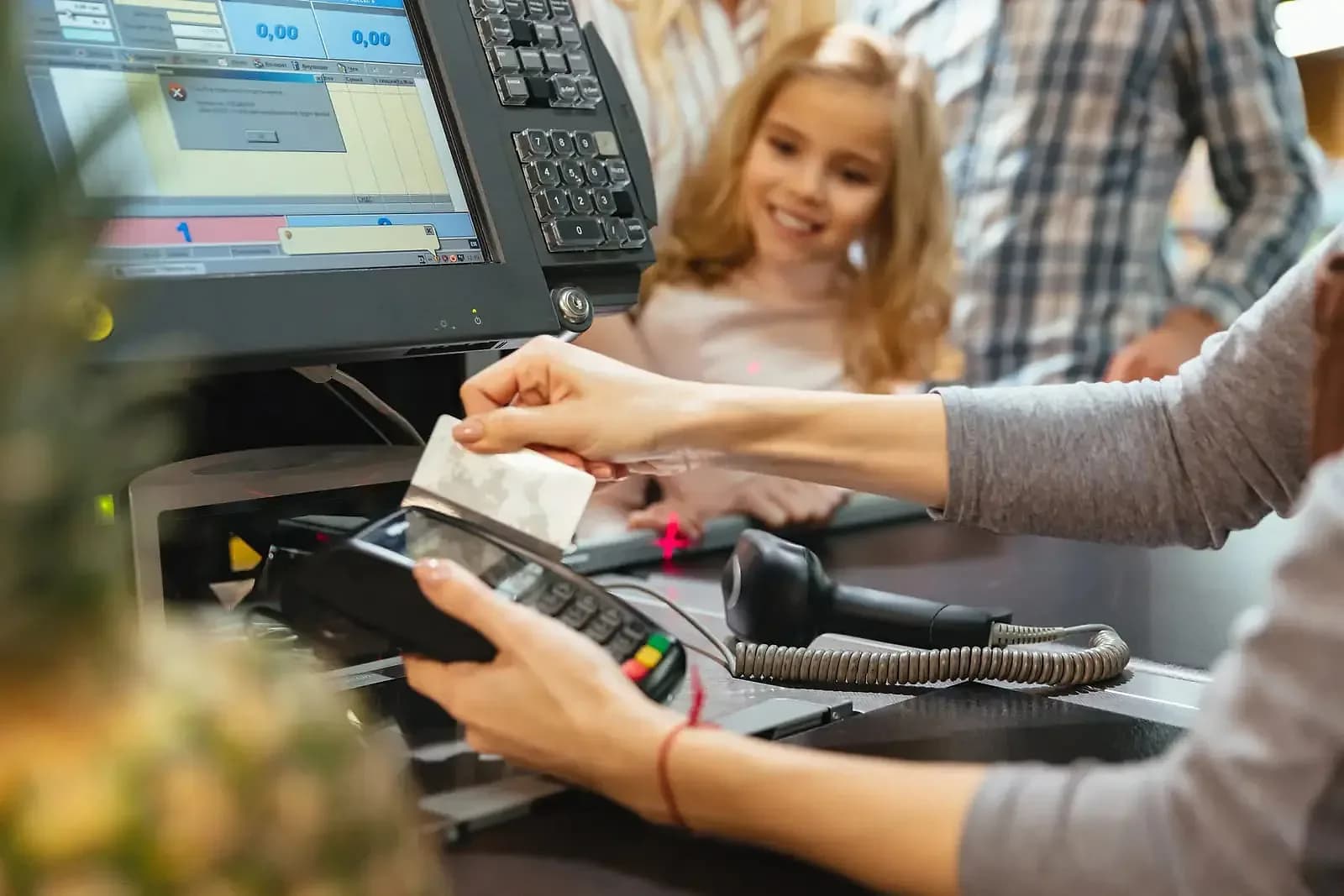
A trading day, start to close
Nothing here is a separate task. Each step is a byproduct of the one before it.
- Open
The count is already done
Yesterday's sales have already adjusted stock. The morning view is a list of what dropped below threshold overnight, not a shelf-by-shelf walk.
- Trading
Every sale updates four things
Ring an item and the transaction, the stock level, the margin attribution, and the customer's history all move together. Nothing waits to be entered later.
- Peak
The line stays short
Scan-and-pay, saved customers, and fast card settlement keep throughput up in the two or three hours a day that actually cap your revenue.
- Restock
Reorders write themselves
Low-stock alerts arrive with the sell-through rate behind them, so a reorder is a decision you confirm rather than a spreadsheet you build.
- Close
The day is already reported
Sales, margin, mix, and stock movement are read from data that was captured as it happened — not reconstructed from a Z-report and a memory.

Choosing a retail POS: what the feature grids leave out
What separates retail systems once every vendor has ticked every box.
Does inventory update itself?
This is the single biggest operational upgrade a store can buy. If stock counts still require a clipboard after the software is installed, you have bought a faster cash register.
Will it use the hardware you own?
Scanners, receipt printers, and cash drawers are commodities. A modern browser-based POS should drive the ones on your counter today; a proprietary requirement is a way of billing you twice.
How long is onboarding, really?
Ask for the exact minutes from catalog import to first sale. Pacific POS answers with about ten. The answer tells you more about the product's architecture than any feature list will.
Does it tell you anything?
Reports that list transactions are bookkeeping. Insight is margin by category, dead stock, and your busiest hour — visible without exporting anything to a spreadsheet.
What does year two cost?
Subscription plus payment processing margin plus hardware lock-in plus the support tier that answers the phone. Run that number over three years before comparing sticker prices.
Can you get your data back out?
Your catalog, sales history, and customer records are the assets you are actually accumulating, and they only stay yours if the system will export them. Ask any vendor for a plain CSV of all three before you sign, not a promise of one later. A system that makes leaving difficult has told you what it thinks of its own retention.

What we deploy for retail
We've done this in retail
Written up in full — the problem, the build, and what changed.

Retail, answered
The questions operators actually ask before booking a demo.

Not seeing your question?
Tell us how you run today and we'll answer specifically.
Let's talk about your retail operation
Tell us how you run today — we'll show you exactly what changes.
Or call us: 1-225-573-9244